
Your city, as a tiny world under its real sky.
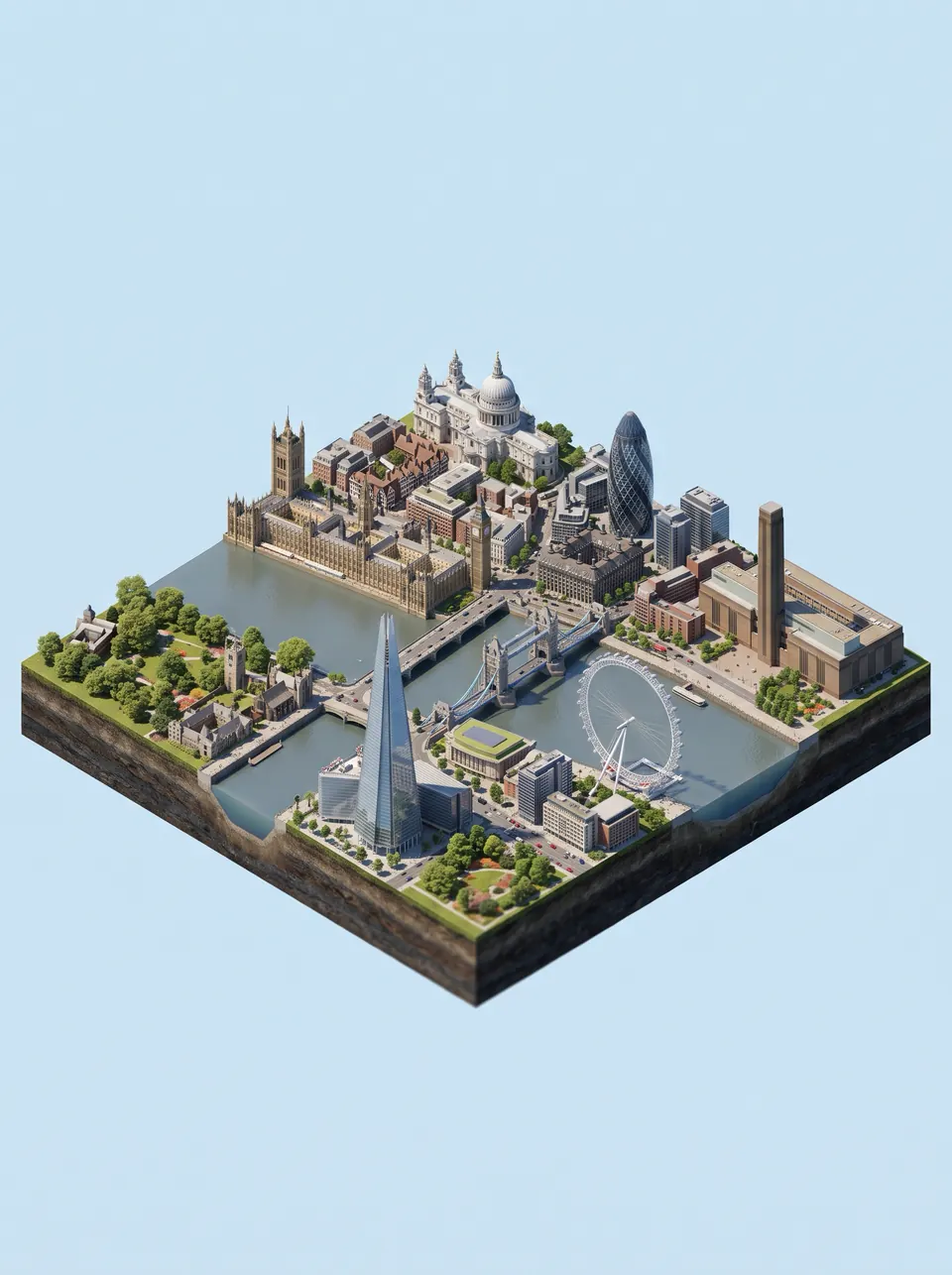
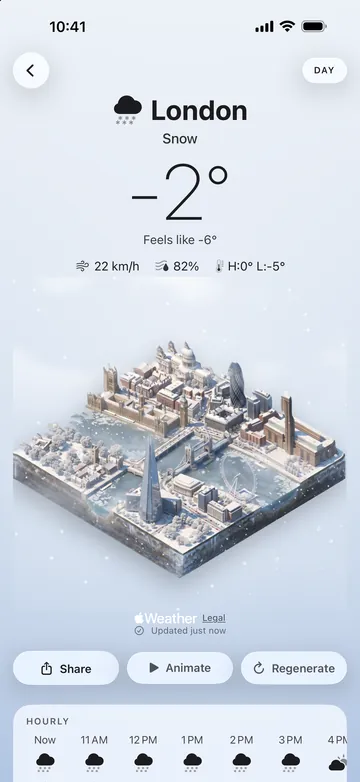
Tiny Skies draws your city as an isometric miniature — its landmarks, streets and rivers on a small block of land — and the scene follows the weather outside your window: rain on wet streets, snow on the roofs, fog between the towers, lightning at night.
The forecast, as a place you can look into.
Real weather, drawn as a miniature you’ll want to check on. Pick a city once; Tiny Skies keeps it up to date with the sky above it.
Pick your city
Use your current location or search for any city in the world. No account, and location access is optional.
Watch it being drawn
Your city appears as a detailed isometric diorama with its real landmarks. A new scene takes about a minute, then it’s kept on your phone.
It follows the weather
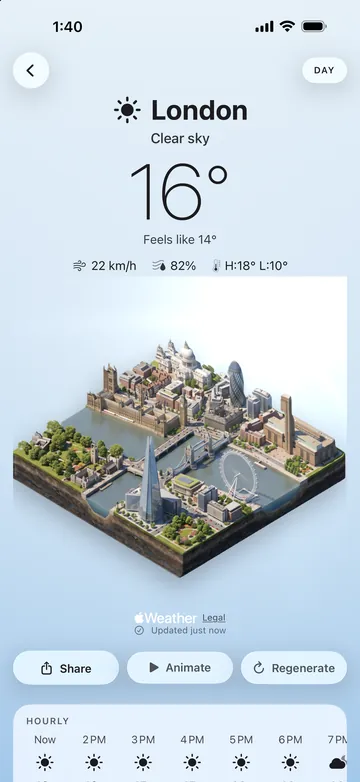
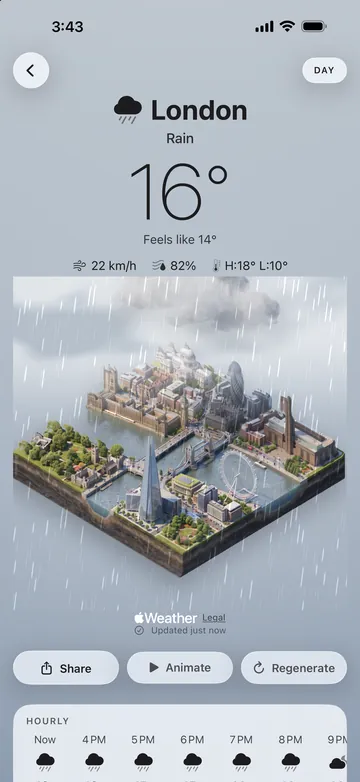
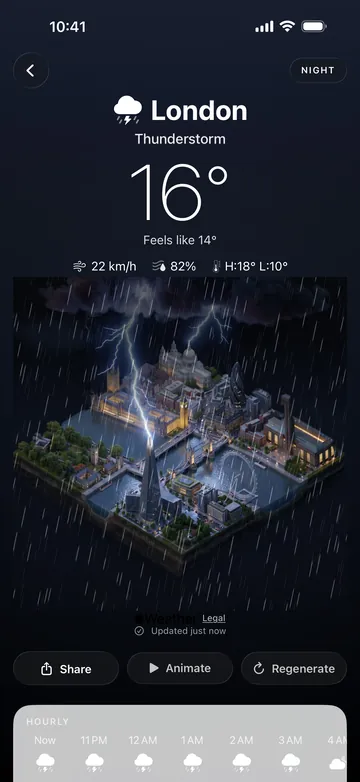
Clouds, rain, snow, fog and lightning play live over the scene, and it moves from morning to day, evening and night with the light.
Weather you can trust
Current conditions, feels-like, wind and humidity, an hourly strip and a 7-day forecast — from Apple Weather.
Tilt to look around
Tilt your phone and the diorama shifts with real depth; drag it to look around.
Animate
Turn a scene into a short looping film of your city’s weather.
Share today’s sky
Send a card of today’s scene and temperature to anyone.
One city, every sky.
Each city is drawn for the weather it actually has — and for morning, day, evening and night — so the diorama follows the light as well as the forecast. These are real Tiny Skies scenes of London.
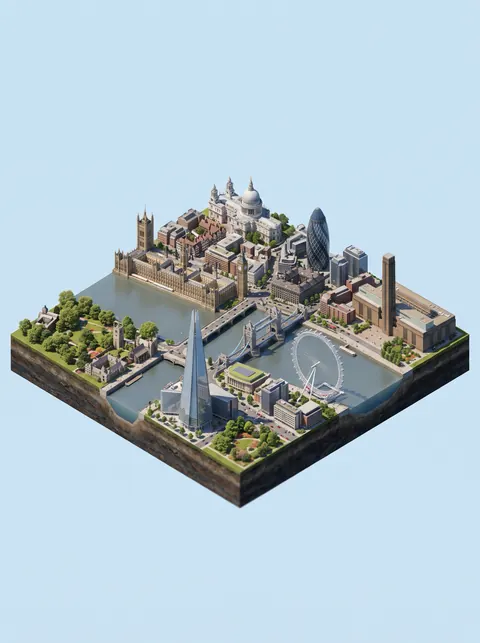
Clear 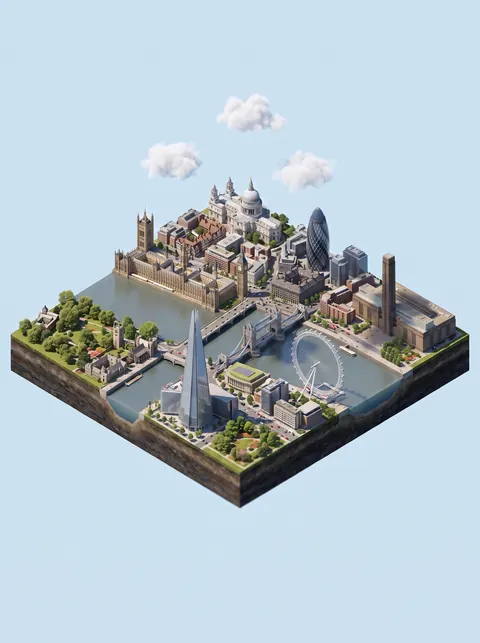
Partly cloudy 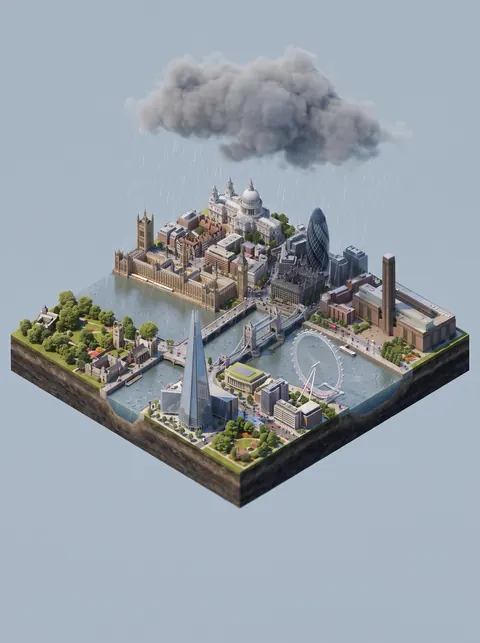
Rain 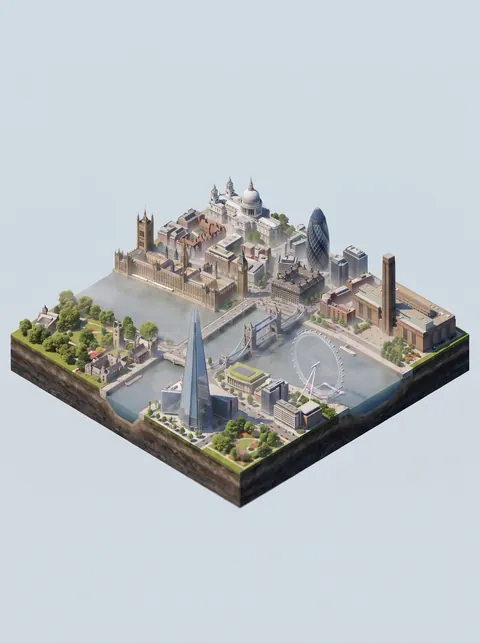
Fog 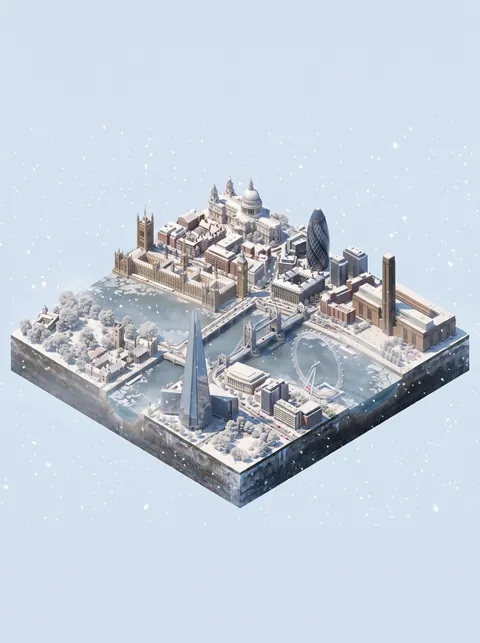
Snow 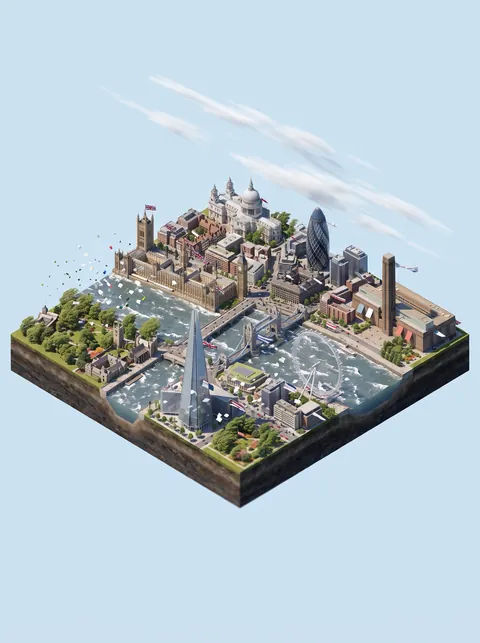
Wind 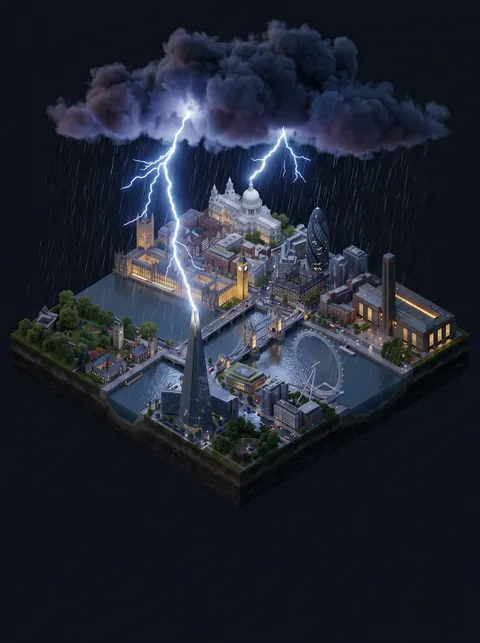
Thunderstorm 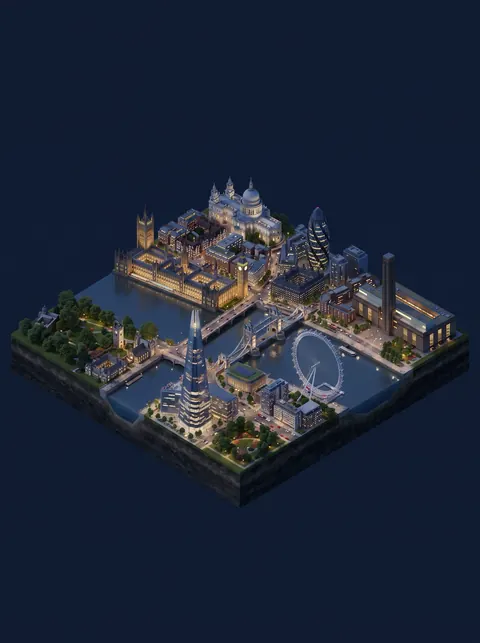
Clear night
On your phone the weather moves too: rain, snow, fog, clouds and lightning are animated live on the scene.
A window on your Home Screen.
Your city’s scene and temperature, right where you look a hundred times a day.
- Small, medium and large Home Screen widgets that update through the day
- Lock Screen widgets with the temperature and conditions
- Pick a different city for each widget
- Looks right on tinted and clear Home Screens
Illustration. Widgets show your own cities.
A world everyone draws together.
A city is drawn once and shared. When anyone draws a city’s weather, everyone who follows that city gets it — instantly, and free.
Founded by you
- Found a City. Be the first to draw a city and you found it.
- Your name on the plaque. Tiny Skies Plus members put their name on the cities they found — and can claim cities founded by free explorers before anyone else.
- Private redraws. Plus members can redraw any scene just for themselves; private redraws are never shared.
Founder names are public and follow the community rules. You can report or block any name from the city screen.
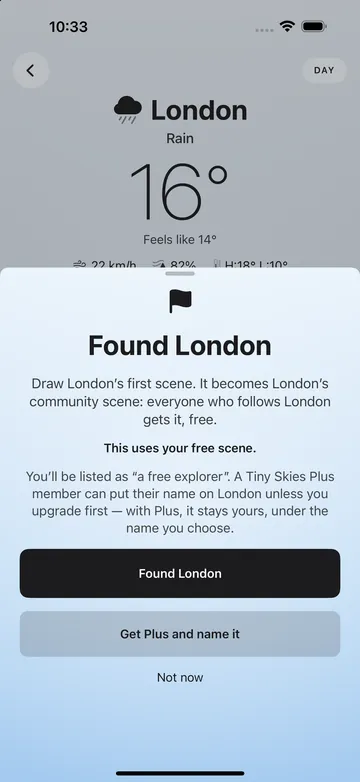
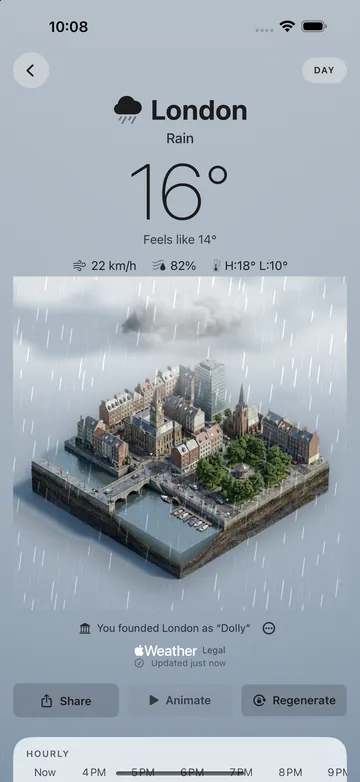
Free to enjoy. Plus to draw more.
Everything you need to see the weather is free. Tiny Skies Plus is for drawing new scenes as the weather and the light change.
Tiny Skies
No account, no ads
- The real weather: now, hourly and 7 days
- Built-in artwork for every kind of weather
- Home Screen and Lock Screen widgets
- Every community scene of the cities you follow
- One AI scene of your own
- Found a city
Tiny Skies Plus
or $19.99 a year
- 10 scene credits a month, reset on the 1st
- A new scene costs 1 credit; an animated loop costs 3
- Private redraws, just for you
- Your name on the cities you found
- Claim cities founded by free explorers
Prices in US dollars; the App Store shows your local price. Tiny Skies Plus is an auto-renewable subscription, monthly or yearly. Payment is charged to your Apple Account when you confirm the purchase, and it renews automatically for the same price and period unless you cancel at least 24 hours before it ends. Manage or cancel it in Settings → your name → Subscriptions. Terms of Use · Privacy Policy
Questions, answered.
Is Tiny Skies free?
Yes. The real weather, the built-in artwork, the widgets, every community scene of your cities and one AI scene of your own are free. Tiny Skies Plus ($2.99 a month or $19.99 a year in the US) adds 10 scene credits a month for drawing new scenes, private redraws and your name on the cities you found.
How do scene credits work?
Each scene drawn costs 1 credit — a new city’s first view also draws its base scene — a private redraw costs 1 and an animated loop costs 3. Credits reset on the 1st of each month. Scenes other people have already drawn for your cities cost nothing.
Where does the weather come from?
From Apple Weather: current conditions, feels-like temperature, wind and humidity, an hourly forecast and 7 days ahead.
How are the dioramas made?
Scenes are generated by AI image services from Google and fal.ai. A new scene takes about a minute to draw and needs a network connection; after that it’s kept on your phone. The live rain, snow, fog, clouds and lightning are animated on your device.
Why is the app rated 18+?
The AI image services’ terms require adult users, so AI scenes are drawn only after you confirm you are 18 or older. Without that, Tiny Skies still shows the real weather over its built-in artwork.
What are community scenes and founding a city?
A city’s scenes are drawn once and shared: when anyone draws a city’s weather, everyone who follows that city gets it for free. The first person to draw a city founds it. Anyone can found a city; putting your name on it is a Tiny Skies Plus perk. Founder names follow the community rules, and you can report or block any name.
Do I need an account? What do you collect?
No account and no sign-in. Tiny Skies has no ads and no tracking, and location access is optional — you can search for a city instead. The privacy policy explains exactly what is sent to draw scenes.
Which devices does it run on?
iPhone and iPad with iOS 18 or later, with widgets for the Home Screen and the Lock Screen.
How do I cancel Tiny Skies Plus?
In iOS Settings → your name → Subscriptions → Tiny Skies Plus. It stays active until the end of the period you paid for. To restore it on another device, use Restore Purchases in the app’s Settings with the same Apple Account.
How do I get help?
See the support page or email support@snizyx.com.
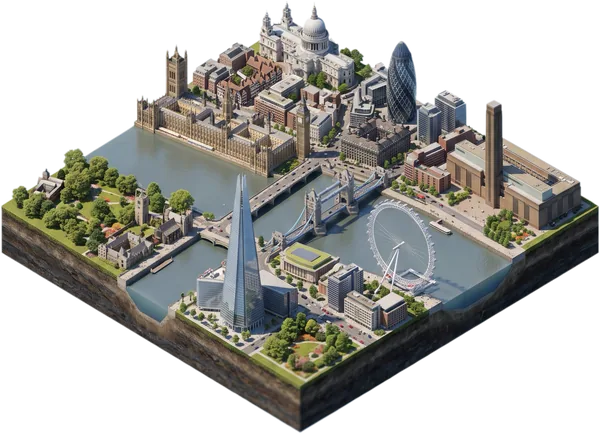
Look outside. Then look at Tiny Skies.
Your city, small enough to hold, under its real sky.